SwiftBiu — context actions for text, files, OCR & plugins.
SwiftBiu — 上下文动作平台,覆盖文本、文件、OCR 与插件。
bolt System-wide context actions
Bring text, file, OCR, and plugin actions to the place where you already work.
Prend en charge l'IA multimodale (texte vers texte, texte vers image), les plugins JS et les extensions HTML. Sélectionnez du texte dans n'importe quelle app, une barre d'outils apparaît et réalise la tâche en une étape.
Gratuit sur l'App Store
Draw SwiftBiu icon
Compressing 2 files
south Drag down to download
SwiftBiu — context actions for text, files, OCR & plugins.
SwiftBiu — 上下文动作平台,覆盖文本、文件、OCR 与插件。
Frame text on screen with a shortcut
Real SwiftBiu text, AI, image, and file workflows on macOS.
What it handles
De la traduction aux workflows complexes, SwiftBiu est conçu pour accomplir les tâches le plus rapidement possible.
Select text in any app and turn the selection into useful output without breaking your flow.
Drag files or links into directional triggers and launch the exact file workflow you need.
Capture a region of the screen, extract text, then copy, translate, or keep processing it.
Build your own action layer with JavaScript plugins or richer HTML extensions.
Dernière version
Trigger system
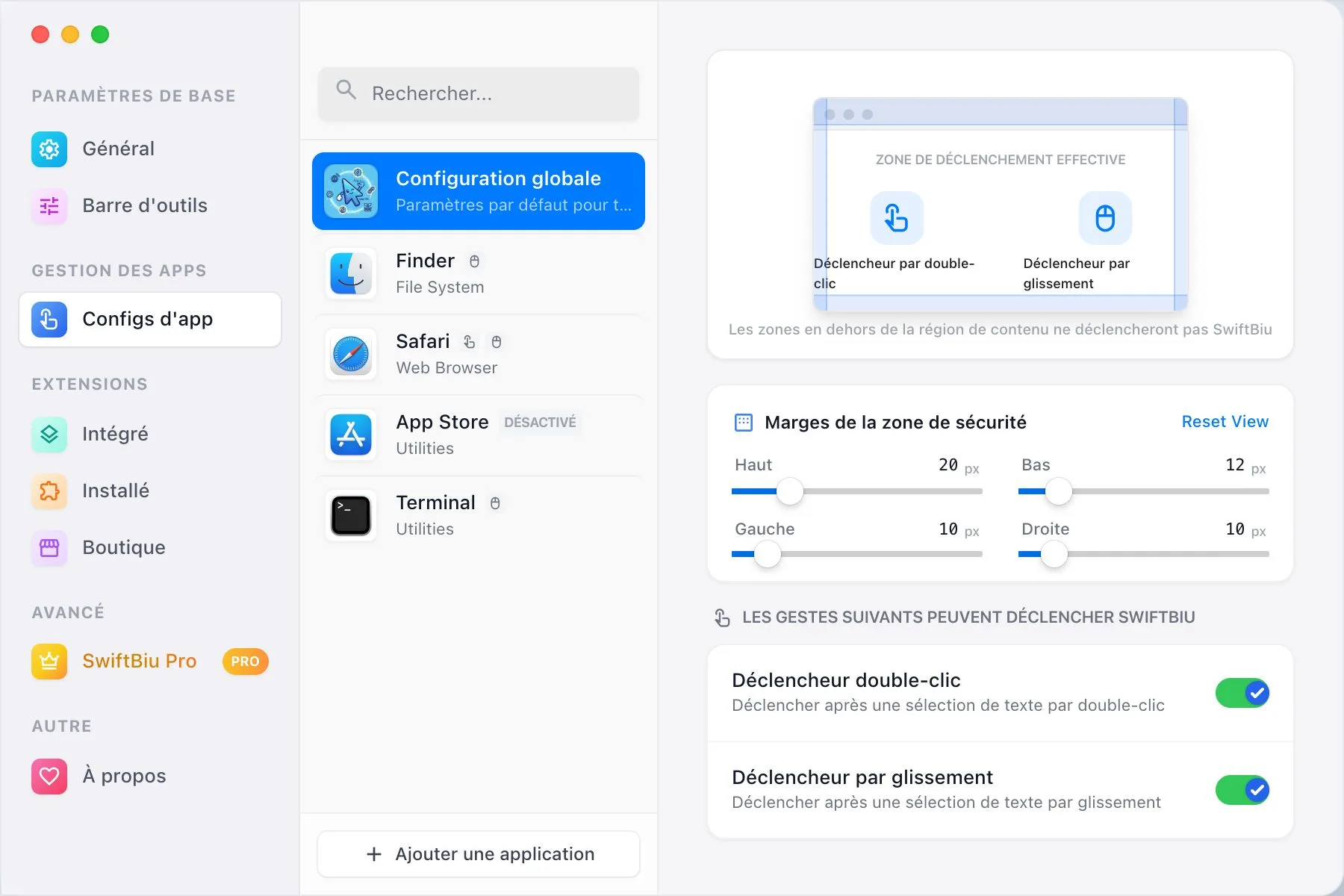
SwiftBiu can inherit global defaults or apply app configurations, so the same motion can open a toolbar in one app, run a plugin in another, and stay silent where it would interrupt you.
Use cases
SwiftBiu is built for the moments where opening another app is slower than acting where the content already is.
Highlight a sentence in Mail, Safari, Notes, or an editor and translate without switching context.
Compress images or videos, convert formats, remove backgrounds, and share from the drag gesture.
Frame a screenshot area, extract text, then copy, translate, or pass it into your own workflow.
Extensibility
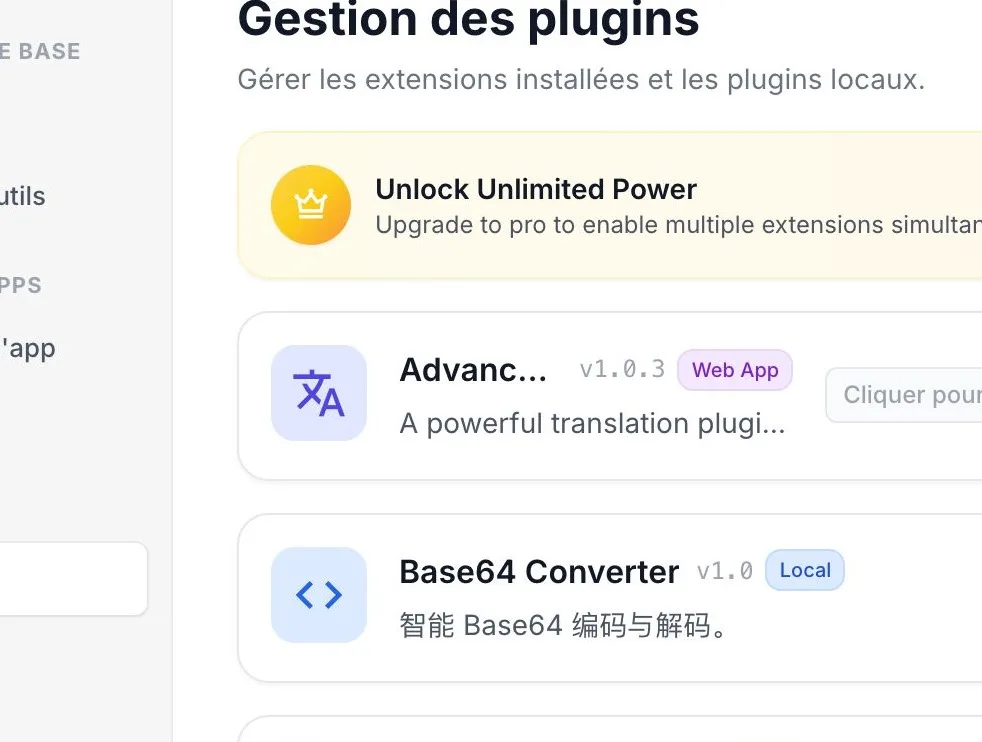
SwiftBiuX plugins live beside built-in actions. They can appear in the toolbar, run from shortcuts, and participate in Quick Triggers.
{
"context": ["selectedText", "files", "ocrText"],
"triggers": ["gesture", "shortcut", "drag"],
"actions": ["translate", "compress", "share", "ai"]
}
Privacy and feel
SwiftBiu is a Mac-first utility, not a web wrapper. Local text handling stays local; external translation or AI requests happen only when you trigger an action that needs that service.
SwiftBiu does not collect or store selected text.
Swift and AppKit keep the toolbar light and responsive.
Control layout, trigger timing, action order, shortcuts, and app configurations.
Extend the tool with JavaScript and HTML using the SwiftBiuX template.
Commencez gratuitement et débloquez des fonctionnalités puissantes avec une licence Pro.
Pour les utilisateurs occasionnels ayant besoin d'outils essentiels.
Pour les professionnels exigeant une puissance illimitée.
Vous avez des questions ? Nous avons les réponses. Si vous ne trouvez pas votre question ici, n'hésitez pas à nous contacter.
SwiftBiu is a macOS context action platform for text, files, OCR, plugins, and automation workflows.
No. It started with selected text, but now also supports file actions, drag triggers, OCR capture, dedicated shortcuts, app configurations, JavaScript plugins, and HTML extensions.
It overlaps with them in some workflows, but focuses on context actions next to selected text, files, links, and screen text rather than launching a separate command palette.
SwiftBiu supports macOS 12.0 Monterey and later.
Local actions stay on your Mac. Text or files are sent to external services only when you explicitly run an action that requires that service, such as translation or AI.
Install SwiftBiu, give your everyday Mac actions a faster home, and extend it into the workflow layer you actually want.